

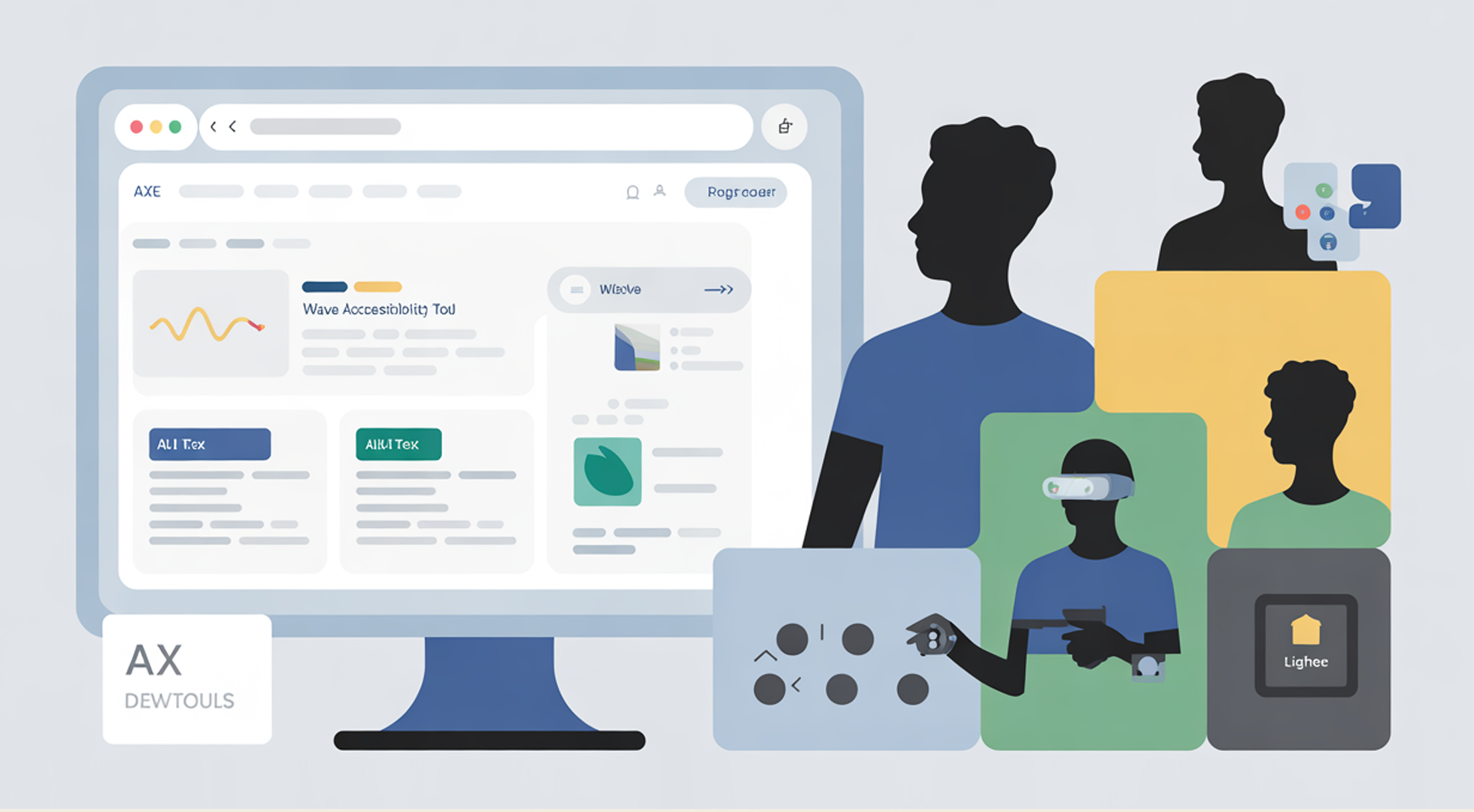
Run a Free Accessibility Audit
You do not need to guess if your website is accessible. There are free tools that can scan your site and show you what needs improvement.
These tools are easy to use — even if you are not a developer. Let’s look at three powerful options.
1. WAVE (Web Accessibility Evaluation Tool)
-
Website: https://wave.webaim.org
-
How it works: Enter your website URL. WAVE highlights accessibility errors visually, like missing alt text or poor contrast.
-
Why it helps: You see the issues directly on your page.
2. Google Lighthouse
-
Built into Chrome: Right-click > Inspect > “Lighthouse” tab
-
Choose Accessibility and run a report.
-
It gives your page a score out of 100 and shows where you can improve.
3. axe DevTools
-
Browser extension: https://www.deque.com/axe/devtools/
-
Click to scan your page and get results with plain-language explanations.
-
Excellent for testing web apps and more dynamic content.
💡 Important:
No automated tool can catch everything. Some issues (like whether link text is meaningful) still need a human check.
But these tools give you a solid start — and they are all free.
🚀 Your Task:
Pick one of the tools above. Run it on your homepage or a website you visit often. Look at the results. What did you learn?
 Download How to Run a Free Accessibility Audit
Love what you learned?
Buy Me a Coffee ☕ — or support our mission with a donation 💜
